
Match the connector on your device, the data speed you need, and the shortest length that reaches. A hard drive with a Micro-B 3.0 port needs a USB-C to Micro-B cable. A dock with a USB-B port needs USB-C to USB-B.
USB 3.2 Gen 2 runs at 10 Gbps, and Gen 1 runs at 5 Gbps.
Quick facts
| Cable | Connectors | Speed | Lengths | Price from |
|---|---|---|---|---|
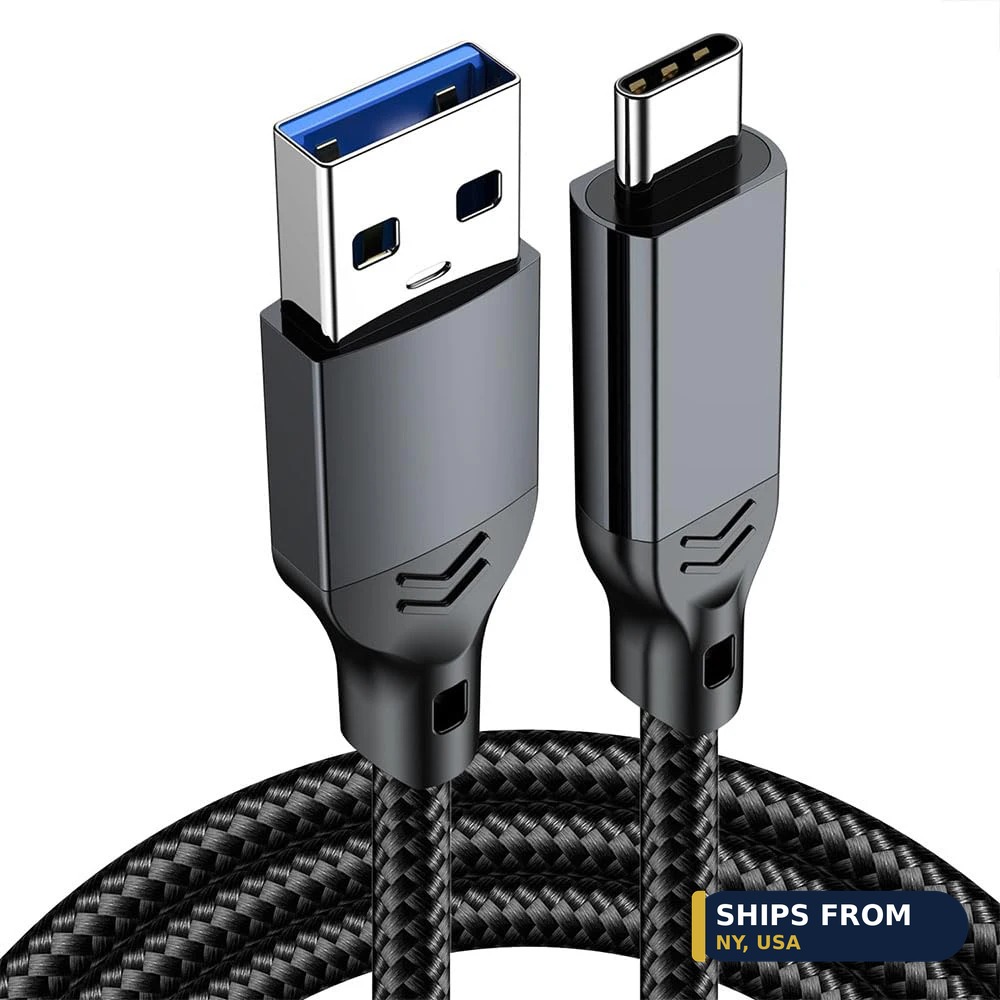
| USB-A to USB-C data cable | USB-A to USB-C | 10 Gbps | 0.5 m to 2 m | $8.67 |
| USB-C to Micro-B cable | USB-C to Micro-B | 5 Gbps | 0.5 m to 3 m | $6.57 |
| USB-C to USB-B 3.0 cable | USB-C or USB-A to USB-B | 5 Gbps | 0.5 m to 3 m | $6.87 |
| USB-C to USB 2.0 cable | USB-C to USB-A | 480 Mbps | 5 ft | $8.83 |
What speed do you need: 5 Gbps or 10 Gbps?
Buy 10 Gbps only when the host and the device both support it. USB 3.2 Gen 1 signals at 5 Gbps, and Gen 2 signals at 10 Gbps. Both figures are signaling rates, not promised copy speeds, and the host, the device, and the cable must all support the same mode.
The 10 Gbps cable here costs from $8.67 for 0.5 m and reaches $11.67 for 2 m. If either end runs at 5 Gbps, the link runs at 5 Gbps.
Which connector does your device use?
Check the port shape before you order, since USB-C describes the shape and not the speed. Portable hard drives often use Micro-B 3.0, a wide plug with a two-part face. Docks, printers, and external drive enclosures often use USB-B 3.0.
MIDI keyboards and audio interfaces often use USB-B 2.0 or USB-C. The Micro-B cable here costs from $6.57 for 0.5 m, and the USB-B cable costs from $6.87 for 0.5 m.
Does cable length change the speed?
Yes, length can pull a fast link down to a lower rate. Passive cable guidance runs up to 2 m for 5 Gbps and up to 1 m for 10 Gbps and 20 Gbps. A 3 m cable costs more and may negotiate down, so buy the shortest length that reaches.
The Micro-B cable runs from 0.5 m at $6.57 to 3 m at $13.32. The USB-B cable runs from 0.5 m at $6.87 to 3 m at $10.53.
Can one cable handle charging and data?
Yes, a USB-C cable can carry power and data on the same run. The USB-A to USB-C cable here charges at up to 60W while it moves data at 10 Gbps. A USB 2.0 cable tops out at 480 Mbps for data, which still leaves room for a MIDI keyboard.
MIDI traffic is light, so the 5 ft USB-C to USB 2.0 cable at $8.83 suits a controller or an audio interface.
How do you match a cable to a device?
- Look at the port on the device and note its shape.
- Check the device manual for its USB speed, 5 Gbps or 10 Gbps.
- Pick the cable with matching connectors and at least that speed.
- Pick the shortest length that reaches your computer or dock.
Frequently asked questions
Will a USB-C to Micro-B cable fit a USB 2.0 Micro-B port?
No. The Micro-B 3.0 plug is wider than a Micro-B 2.0 port, so it does not fit. Check the port shape on the drive before you order.
Is 10 Gbps twice as fast in real file copies?
No. 10 Gbps is a signaling rate, not a promised copy speed. Real copy speed depends on the drive, the host, and the workload.
Can you use the 10 Gbps cable with a phone?
Yes, if the phone has a USB-C port. The link runs at the lower of the phone port speed and the cable speed.
Why is the MIDI cable only USB 2.0?
MIDI data is light, so 480 Mbps is far more than a keyboard needs. The cable is built for the connector and the length, not for bulk data.
Parts used
- USB-A to Type-C 60W USB 3.2 10Gbps data transfer cable, 0.5 m to 2 m – from $8.67 to $11.67
- USB-C to Micro-B cable, USB 3.0 5Gbps, 0.5 m to 3 m – from $6.57 to $13.32
- Type-C to USB-B 3.0 data cable, 0.5 m to 3 m – from $6.87 to $10.53
- USB-C to USB 2.0 cable, 5 ft, for MIDI controller and audio interface – from $8.83 to $9.55
Shop the full ranges: DJI Accessories and Connectors and Wiring at Quality RC Parts.
Related guide: Connectors and Wiring guide.
In-stock parts ship from New York, USA in 1 to 2 business days.
Sources
- USB 3.2 speeds: Gen 1 vs Gen 2 vs Gen 2×2
- Decoding USB standards, 2026 edition
- DJI RC 2 support page
Last updated: 2026-11-10.