
Arduino vs ESP32 vs RP2040 is the first choice every robot builder faces. All three run robots, all three are cheap, and all three have huge communities. The right pick depends on what your robot needs to do. This guide compares them on price, power, pins, and wireless, so you can pick the right dev board for your robot the first time.
Arduino vs ESP32 vs RP2040 at a glance
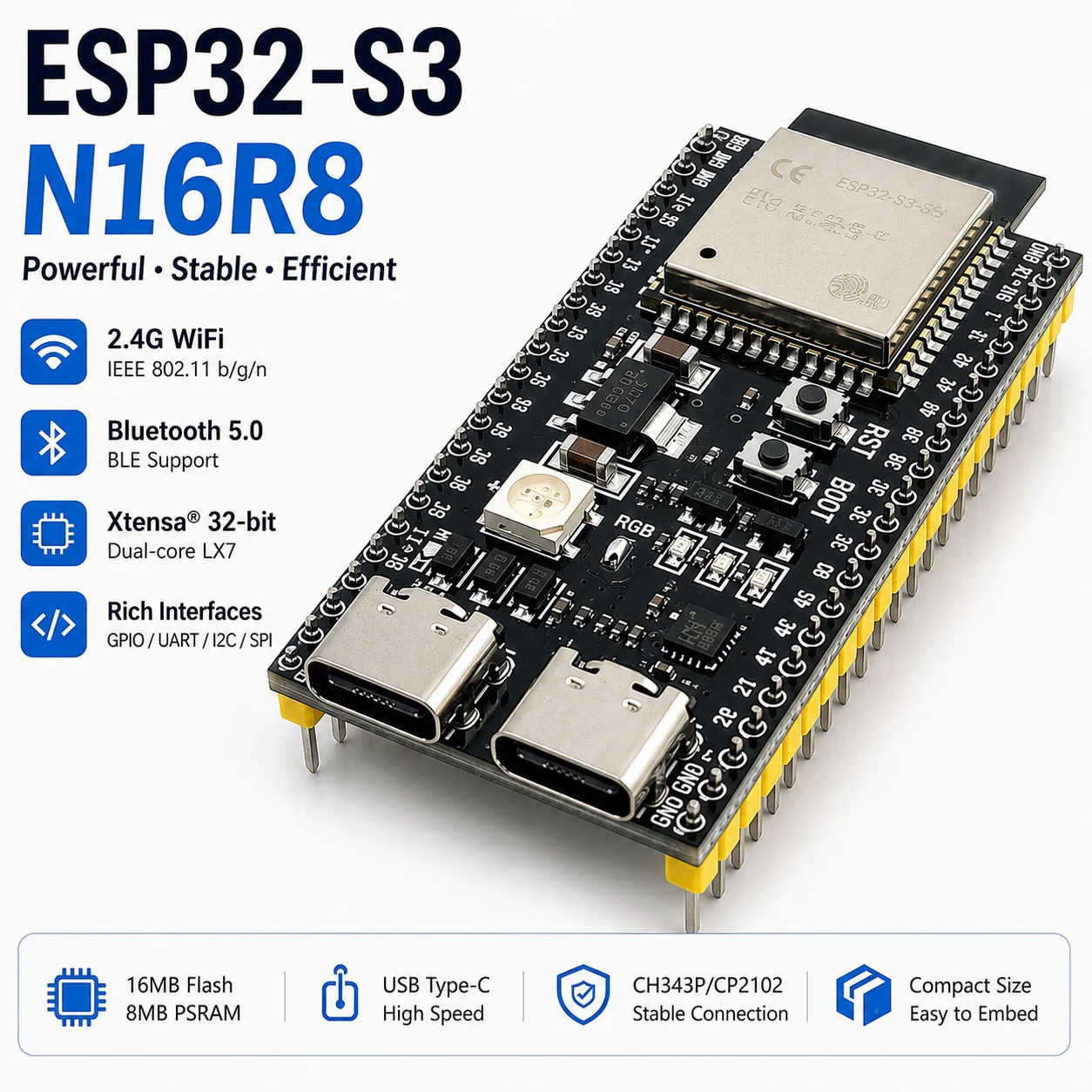
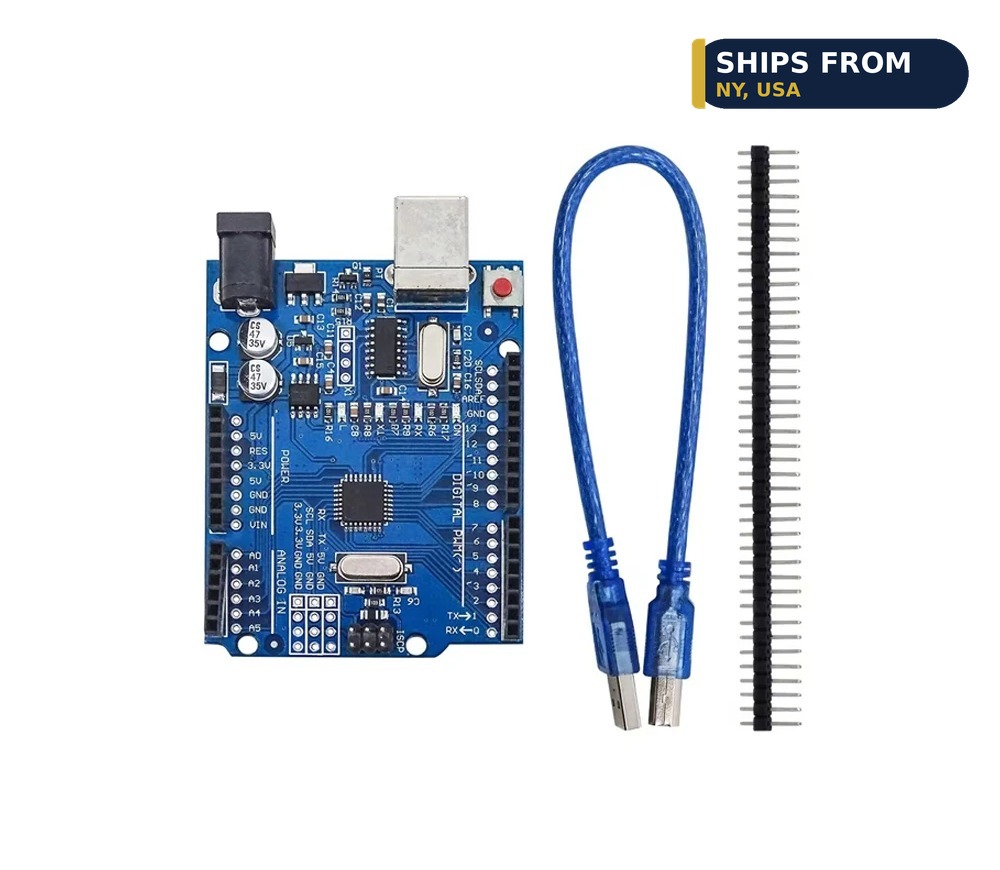
Arduino is the classic starter board. The ELEGOO UNO R3 Microcontroller Board costs $19.99, uses the ATmega328P chip, and connects over USB-B with an ATmega16U2 chip, with a USB cable included. Most beginner tutorials, example code, and shields are written for Arduino first. If you are new, this is the easiest board to get working. ESP32 is the wireless board. The ESP32-S3 Development Board DevKitC-1 costs $10.12, with WiFi and Bluetooth built in, a 44 pin layout, and a Type-C USB connection. It is the pick when your robot needs a phone app, a web page, or a wireless link. RP2040 is the value board. The RP2040-Zero Microcontroller Board costs $4.99, is Pico compatible, and connects over USB-C with 2MB of flash. It gives you modern hardware for the lowest price of the three.
Price and what you get for it
Prices spread across the three, so do not pick on price alone. The RP2040-Zero is $4.99, the UNO R3 is $19.99, and the ESP32-S3 is $10.12. For a few dollars more, the ESP32-S3 adds WiFi and Bluetooth, which is the cheapest way to add wireless to any robot. The RP2040 Pro Micro Development Board costs $8.37 and packs 16MB of flash with USB-C and QMK compatibility, which makes it a strong pick for keyboards and compact builds. Match the board to the job, not to the lowest sticker price.
Power and pins
Arduino boards are simple and forgiving. They run at 5V, tolerate wiring mistakes better than most boards, and have enough pins for a car chassis, a few sensors, and a servo or two. ESP32 boards are faster, with more memory and more pins, which matters when your robot runs a camera, a display, and several sensors at once. RP2040 sits in the middle, with a fast dual core chip and plenty of pins in a small package. If your robot is a car with two motors and a distance sensor, any of the three works. If it is a robot with a camera, pick the ESP32.
Wireless and cameras
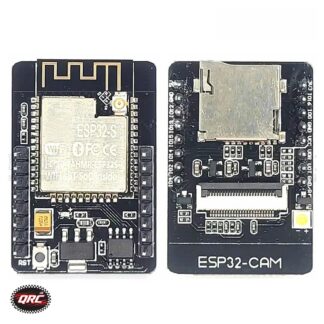
Only the ESP32 family has WiFi and Bluetooth built in. That is the deciding factor for many builds. A robot you drive from your phone, a sensor node that reports to a web page, or a camera that streams video all need the ESP32. The ESP32-CAM Development Board costs $25.99 and adds an OV2640 camera module with 4MB of PSRAM, which is enough to stream video from your robot. Arduino and RP2040 can add wireless with extra modules, but that costs more and adds wiring. If wireless is on your list at all, start with the ESP32-S3.
Common mistakes when picking a board
The most common mistake is buying the most powerful board first. A beginner with an ESP32-S3 and no plan will spend more time fighting WiFi settings than building a robot, while the same robot on a UNO R3 would already be driving. Another mistake is buying a board with no plan for power. A robot car needs a battery box and a way to switch the motors off, and that matters more than which chip is on the board. A third mistake is skipping the tutorials. Every board has official examples that blink a light, read a button, and drive a motor. Run those first, even if they feel too easy. They prove your board, your cable, and your software all work, which saves hours of guessing later. Pick the board that matches the project in front of you, learn it properly, and upgrade when the next project asks for more.
Which dev board for your robot
Pick Arduino when you are learning and want the most tutorials. Pick the ESP32-S3 when your robot needs WiFi, Bluetooth, or a camera. Pick the RP2040-Zero when you want the cheapest capable board for a compact project. Many builders end up owning all three, because each one fits a different job. Browse the Microcontrollers category to compare boards side by side, and start with the one that matches your next project, not your last one.
Ships from our secure NY warehouse in the USA
Quality RC Parts is a USA shop, and every order ships from our secure NY warehouse. Orders leave in 1 to 2 business days with tracking sent by email, and shipping is free on orders over $100. No overseas wait, no customs. We are a working repair shop, and we stand behind every part we sell.